“The system stopped working.”
State what systems you repair, where you work and how to contact the team. Make urgent contact easy to find. Publish emergency availability only when the business actually offers it.
 Studio
A useful website makes the route clear. A useful workflow gets the request to someone who can respond. Neither should promise a visit your team cannot make.
State what systems you repair, where you work and how to contact the team. Make urgent contact easy to find. Publish emergency availability only when the business actually offers it.
Explain the installation work, what an estimate involves and what details help the team prepare. Use real project photographs and credentials you have permission to show.
Make the maintenance scope and property requirements clear. The right person should receive enough detail to decide whether the job fits.
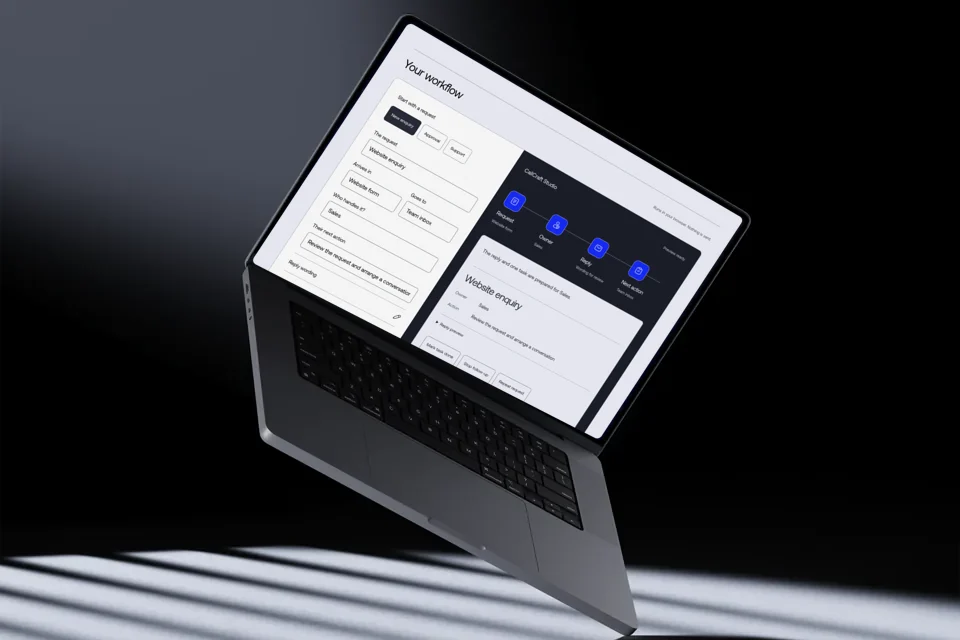
Name the request, choose its owner and write the next action. Check what happens when the same request arrives twice or a connection fails.
Download a workflow brief to review with the team before connecting your tools.
Plan the handoverThe website, search and follow-up can work together. You do not have to buy them all.
Clear service pages, real coverage, relevant project evidence and a mobile contact path.
Website design & landing pagesMatch the campaign, page and form to the work you want and the jobs you can take.
Campaign landing pagesAgree an owner, an approved acknowledgement and a visible next action. Check how failed connections are handled.
Workflow automationAccurate service and coverage information, crawlable pages and a genuine eligible business profile.
Local SEOUse the service names your customers recognise. Show your actual coverage, contact routes, working hours and what you need before preparing a quote.
We agree the service area and enquiry details with your team before writing the pages.
See pricingWebsite decisions, quote follow-up
and useful local search work.
Check the decisions a customer needs to make before calling. Then test what reaches the office.
Give every quote an owner, a next action and a way to stop. Check the tools before adding automation.
Choose the jobs and locations that matter. Improve the pages, then connect visibility to real enquiries.
Your actual service area, the jobs you take, your current website and the way a request reaches the team. Include approved project photos and any verified credentials you want customers to see.
Not necessarily. We review the existing tools and supported connections first. A clearer form or one visible task may be a more useful first change.
Start with the specific fault: unassigned requests, time to reply, useful enquiries or abandoned form steps. Where your team can record them, track quotations and booked jobs too. Compare against the starting point.
A short explanation is enough to start. The first fit reply is free.